
The action item you agreed to out loud, and never wrote down
Meetings produce commitments faster than anyone can take notes. How TaskFlow records a meeting, transcribes it, and proposes the action items it heard — and why it never creates a task without you saying yes.
A meeting is a machine for producing commitments. Someone says "I’ll send that over by Thursday", three people nod, and the meeting moves on. Nobody writes it down, because writing it down means stopping listening.
Then Thursday arrives and the thing has not been sent, and the honest reason is not laziness. It is that the commitment existed for four seconds, in the air, and was never given a place to live.
Record, transcribe, propose
TaskFlow’s Meeting Notetaker records the meeting — on the web it can capture a shared browser tab, so a video call comes through cleanly; on the phone it records the room. Afterwards it transcribes the audio and reads the transcript back looking for one thing: commitments.
What comes out is a list of proposed action items, each with a suggested flow and a due date. Not tasks. Proposals.
Why proposals and not tasks
This is the part that matters most, and it is a deliberate design decision rather than a limitation. A model listening to an hour of conversation will hear things that sound like commitments and are not: a hypothetical, a joke, someone else’s job, an idea that got rejected two minutes later.
If those went straight into your flow, you would spend the next morning deleting things, and after a few meetings of that you would stop using the feature. So nothing is written until you accept it. You can edit a proposal’s title before accepting — useful when a name came through the transcript slightly wrong — send it to a different flow, attach it as a subtask of an existing task, or reject it outright.
The general rule the whole app is built on: the model is allowed to understand, and deterministic code is what acts. A language model deciding what you meant is useful. A language model silently writing to your task list is not.
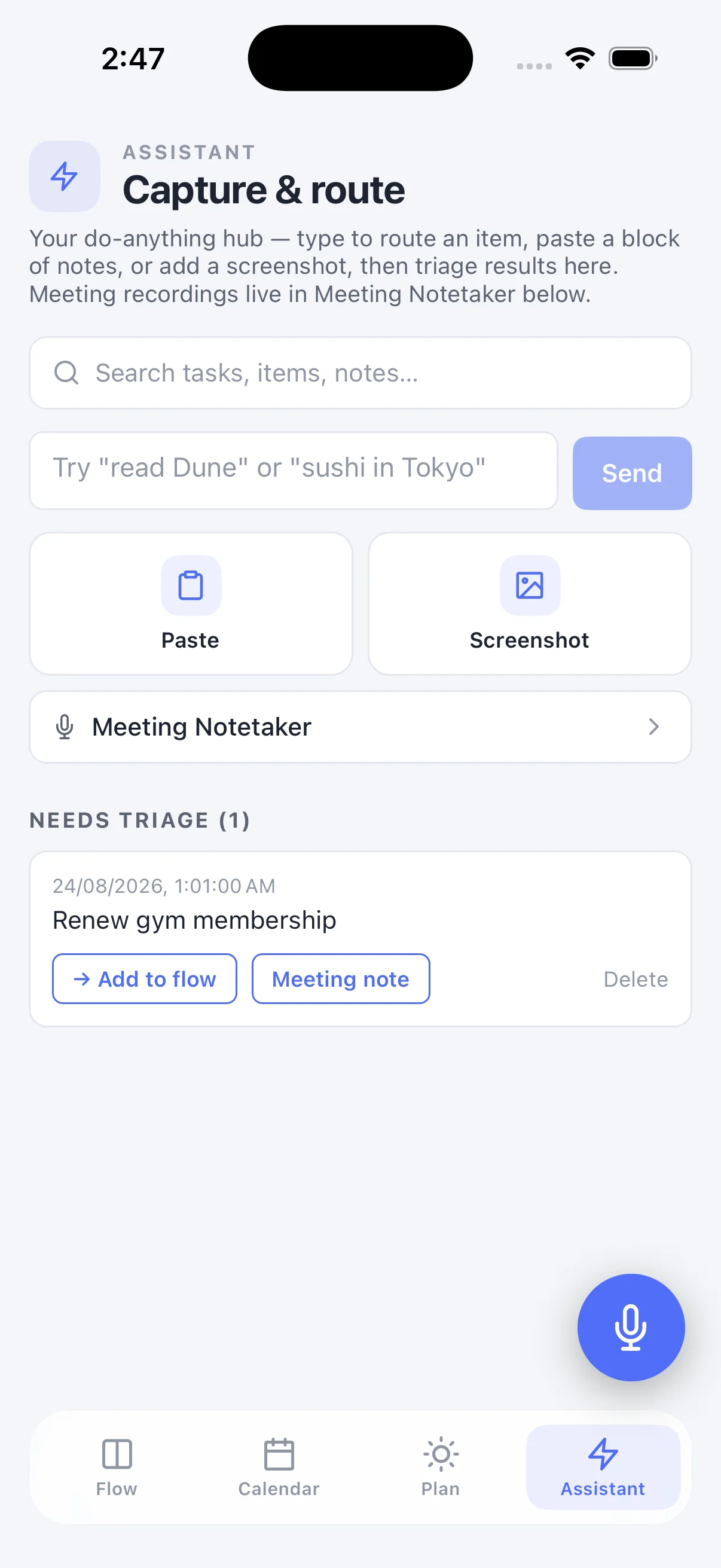
It also reads handwriting, badly enough to admit it
The same pipeline accepts a photo. Snap a page of notes and the action items come out of it. Handwriting is genuinely hard, and it fails in a specific way worth knowing about: sentences come back right and proper nouns come back wrong. A company name written in a hurry can become a different word that reads just as confidently.
So the transcription marks what it is unsure of rather than smoothing it over — an uncertain word comes back with a question mark attached, and that marker survives into the proposal list, where the title is editable before you accept. A wrong name you can see is a two-second fix. A wrong name that looks exactly as confident as a right one costs you a re-read of the whole page.
What happens to the note itself
The transcript and the meeting note stay in the archive, searchable, whether or not you accepted anything from them. The tasks are the actionable residue; the note is the record. You can export either as a checklist or as a meeting-note document and send it to whoever was not in the room.